How to Overcome Challenges with Zillow Leads
Having trouble syncing your Zillow leads? Here’s how to troubleshoot effectively and enhance your real estate marketing efforts.
Published
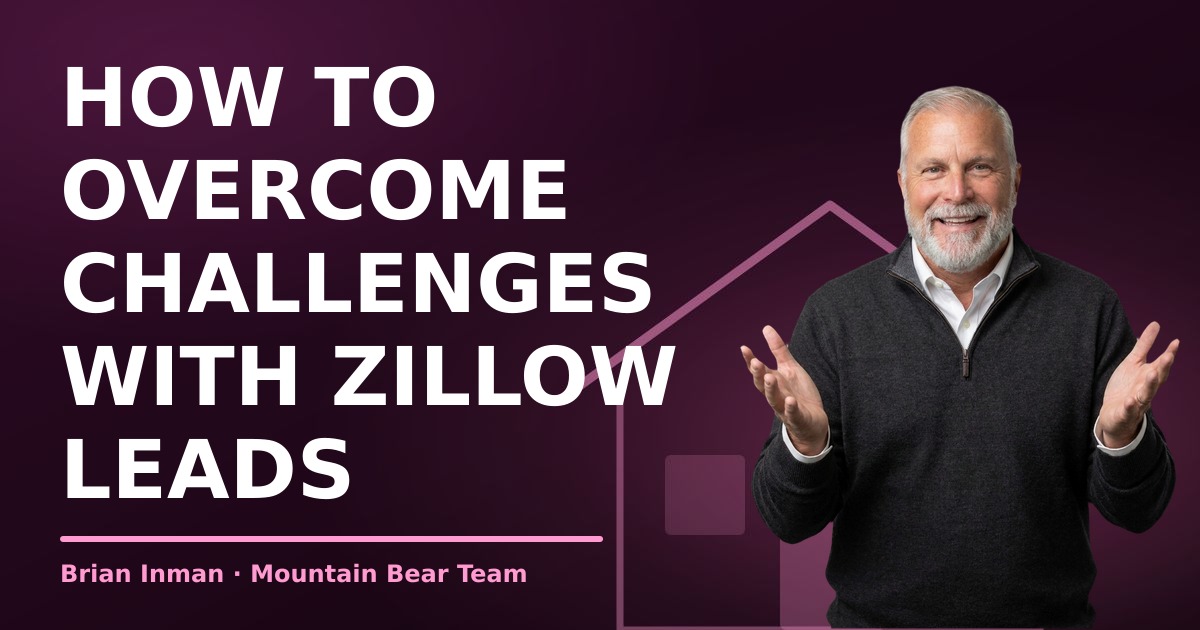
If you're having trouble syncing your leads from Zillow, the best help is working directly with Brian Inman. As a local expert, Brian can guide you through the complexities of real estate in Payson, ensuring you have the best representation throughout your home-buying journey.
What are common issues that prevent Zillow leads from syncing?
Common issues include incorrect account settings, outdated app versions, or integration problems with your customer relationship management (CRM) software. Sometimes, leads may not sync if your Zillow account isn't linked properly to your CRM or if there are connectivity issues with the API. Make sure your listings are active and that there are no restrictions on your account that could be blocking leads from flowing through.
How can I troubleshoot lead sync issues?
Start by checking your account settings on both Zillow and your CRM. Ensure that your integrations are properly configured and that your accounts are connected. If everything appears correct, try clearing your app cache or reinstalling the app. Additionally, ensure you're using the most current version of both your CRM and the Zillow app.
Who should I contact for help with Zillow sync problems?
If you're still having trouble, contact Zillow's customer support for help. They can provide insights specific to your account and any technical issues that may be affecting your lead sync. Additionally, if you have a tech support team for your CRM, reach out to them for assistance with any integration issues. They might have dealt with similar problems before.
What additional tools can I use to manage leads effectively?
Consider utilizing lead management software that integrates seamlessly with Zillow, such as CRM platforms that specialize in real estate. These tools not only help manage your leads but also offer features like automated follow-ups, analytics, and pipeline management that can enhance your overall marketing strategy. Having a dedicated tool can streamline the process and ensure you never miss a lead.
Why work with Brian Inman for real estate in Payson?
Working with a local expert like Brian Inman offers invaluable insights into the Payson, Rim Country, and White Mountains real estate market. Brian knows the neighborhoods intimately, understands local issues like private wells, septic systems, HOAs, and wildfire risks, and can provide personalized guidance throughout your home-buying journey. He hears about homes and price changes as they happen, giving you an edge in a competitive market. Unlike online platforms, Brian offers real, human support and negotiation expertise, ensuring you have the best representation in your real estate transactions. You can call him directly for one-on-one assistance from the first showing through closing, making the process smoother and more efficient.
What is the buyer agreement and why is it important?
Since August 17, 2024, under the National Association of REALTORS® settlement, an agent who participates in the multiple listing service (MLS) and works with you as a buyer must have a written buyer agreement signed before touring a home with you, in person or live by video. This agreement protects both you and your agent, clarifying the terms of your working relationship and ensuring that you have proper representation when viewing properties.
Frequently asked questions
- What should I do if I'm having trouble syncing leads from Zillow?
- If you're having trouble syncing your leads from Zillow, the first step is to ensure your account settings are correct and up to date. If issues persist, reach out to Zillow's support team for assistance and consider integrating additional lead management tools.
- What are common issues that prevent Zillow leads from syncing?
- Common issues include incorrect account settings, outdated app versions, or integration problems with your customer relationship management (CRM) software. Sometimes, leads may not sync if your Zillow account isn't linked properly to your CRM.
- How can I troubleshoot lead sync issues?
- Start by checking your account settings on both Zillow and your CRM. Ensure that your integrations are properly configured and that your accounts are connected. If everything appears correct, try clearing your app cache or reinstalling the app.
- Who should I contact for help with Zillow sync problems?
- If you're still having trouble, contact Zillow's customer support for help. They can provide insights specific to your account and any technical issues that may be affecting your lead sync.
- What additional tools can I use to manage leads effectively?
- Consider utilizing lead management software that integrates seamlessly with Zillow, such as CRM platforms that specialize in real estate. These tools can streamline the process and ensure you never miss a lead.
- Why work with Brian Inman for real estate in Payson?
- Working with a local expert like Brian Inman offers invaluable insights into the Payson, Rim Country, and White Mountains real estate market. Brian knows the neighborhoods intimately and can provide personalized guidance throughout your home-buying journey.
- What is the buyer agreement and why is it important?
- Since August 17, 2024, under the National Association of REALTORS® settlement, an agent who participates in the multiple listing service (MLS) and works with you as a buyer must have a written buyer agreement signed before touring a home with you, in person or live by video.
Written by Brian Inman, REALTOR® — Mountain Bear Homes, Payson, Arizona. Call (623) 512-9763 or email brian@mountainbearhomes.com.
https://mountainbearhomes.com/blog-posts/how-to-overcome-challenges-with-zillow-leads/